
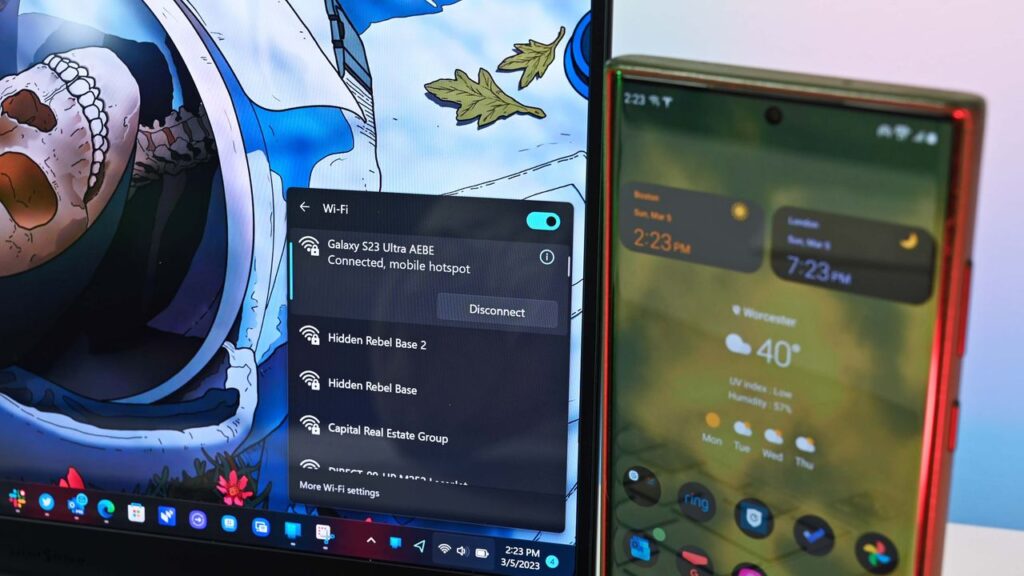
Microsoft’s Link to Windows app for Android may soon support restarting or shutting down a computer or putting a PC to sleep. Code within the app was discovered that suggests the functionality is on the way, but nothing has been confirmed by Microsoft at this time.
Windows Latest found evidence suggesting that a pairing of Link to Windows and Phone Link will soon gain greater control of your PC. It’s already possible to lock your PC from your Android phone, but the code suggests support for other actions is on the way.
I occasionally forget to turn off my PC, especially since I work from home and can get distracted after my work day ends. Being able to shut down my PC remotely without having to set up a Remote Desktop would be a nice option.
The feature could also come in handy if you need to leave your PC running unattended for a while. The other day I had to download a bunch of large files and knew my PC had to run for a while. If the new Link to Windows feature had been available, I could have shut down my PC after I knew the files were downloaded.
Putting your PC to sleep through Link to Windows will work a bit differently, according to Windows Latest. A warning message discovered by the outlet states, “After it’s asleep, it will be disconnected from this device. You need to go to your PC to wake it up.”
Separate warnings appear when you try to restart or shut down your PC in the middle of an update.
Microsoft continues to work on integrating the smartphone and PC experience. The tech giant expanded the connection between devices by adding a section to the Start menu on Windows 11. Microsoft is also testing several flyouts and menus that will make it easier to connect your phone and your PC.


Join us on Reddit at r/WindowsCentral to share your insights and discuss our latest news, reviews, and more.