
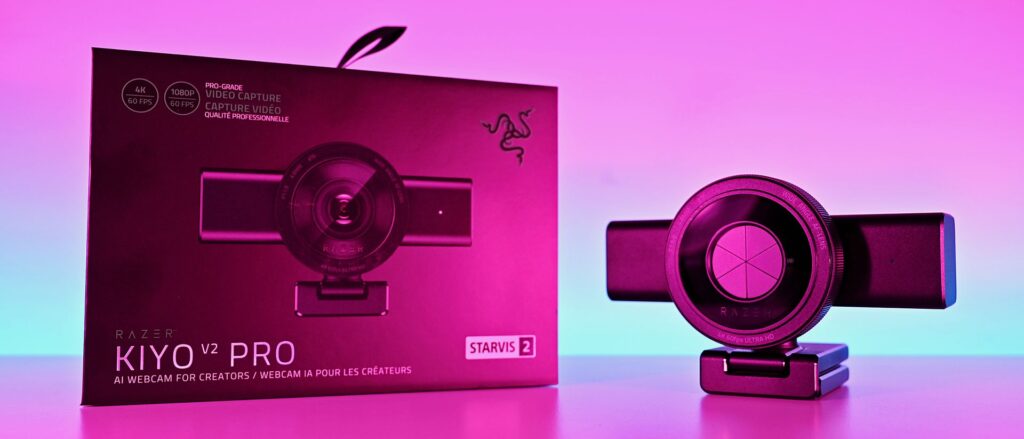
Razer’s original Kiyo webcam was the first I ever tried where content creators were the target audience. While its video quality didn’t stand out, its built-in ring light was something unique and genuinely useful.
Fast forward to late 2026, and I’m again looking at a Razer webcam: the Kiyo V2 Pro. This is 100% a webcam designed for content creators, and at $300, it’s a pretty serious investment, though it’s still less than a good mirrorless camera and easier to use.
It’s a product I was immediately interested in, not because I’m some big-time streamer, but because I was such a fan of what the Kiyo has done in the past. It looks impressive, and it boasts some top-end specs.
But having spent some time getting to grips with the Kiyo V2 Pro, my opinions are mixed. It’s a good webcam, of that there’s no doubt, but given its price and how it’s been to use, it’s harder to give a blanket recommendation. It says Razer on the box, but it doesn’t feel completely like the Razer product experience I’m used to.
Razer Kiyo V2: Specifications
|
Specification |
Details |
|---|---|
|
Video Resolution |
4K 60 / 30 FPS 1440p 60 / 30 FPS 1080p 60 / 30 / 24 FPS 720p 60 / 30 FPS |
|
Video Formats |
MJPEG up to 4K 60 FPS, 1080p 60 FPS H.264 up to 4K 60 FPS, 1080p 60 FPS NV12 up to 4K 30 FPS, 1080p 60 FPS |
|
Image Sensor |
8.3 MP Sony STARVIS™ 2 |
|
Field Of View |
86° (wide angle, configurable) |
|
Focus Type |
Auto / Manual |
|
Focal Length |
4.8 mm (24 mm for full-frame equivalent) |
|
HDR Support |
Yes (at 30 FPS) |
|
Image Customization |
Fine image customization with Razer Synapse software |
|
Mounting Options |
Fixed L-shape mount (with ¼” thread to mount on tripods) |
|
Built-In Privacy Shutter |
Yes |
|
Connection Type |
USB Type C to USB Type C (Supporting USB 3.0) |
|
Cable Length |
2 m / 6.56 ft |
|
Built-In Microphone Type |
None |
|
Polar Patterns |
None |
|
Noise Cancellation |
None |
|
Audio Codec |
None |
The Kiyo V2 Pro is a serious (and large) piece of hardware
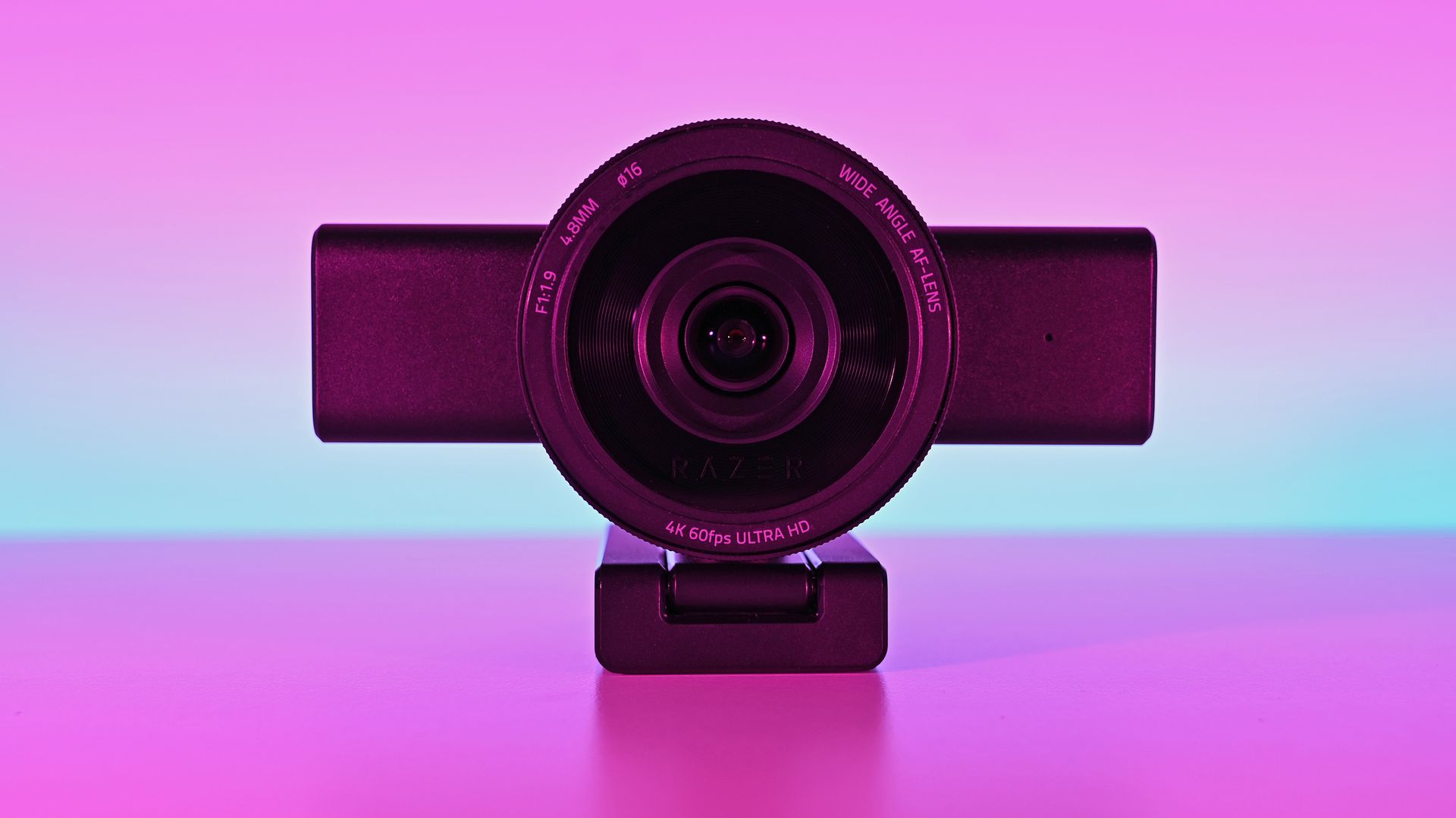
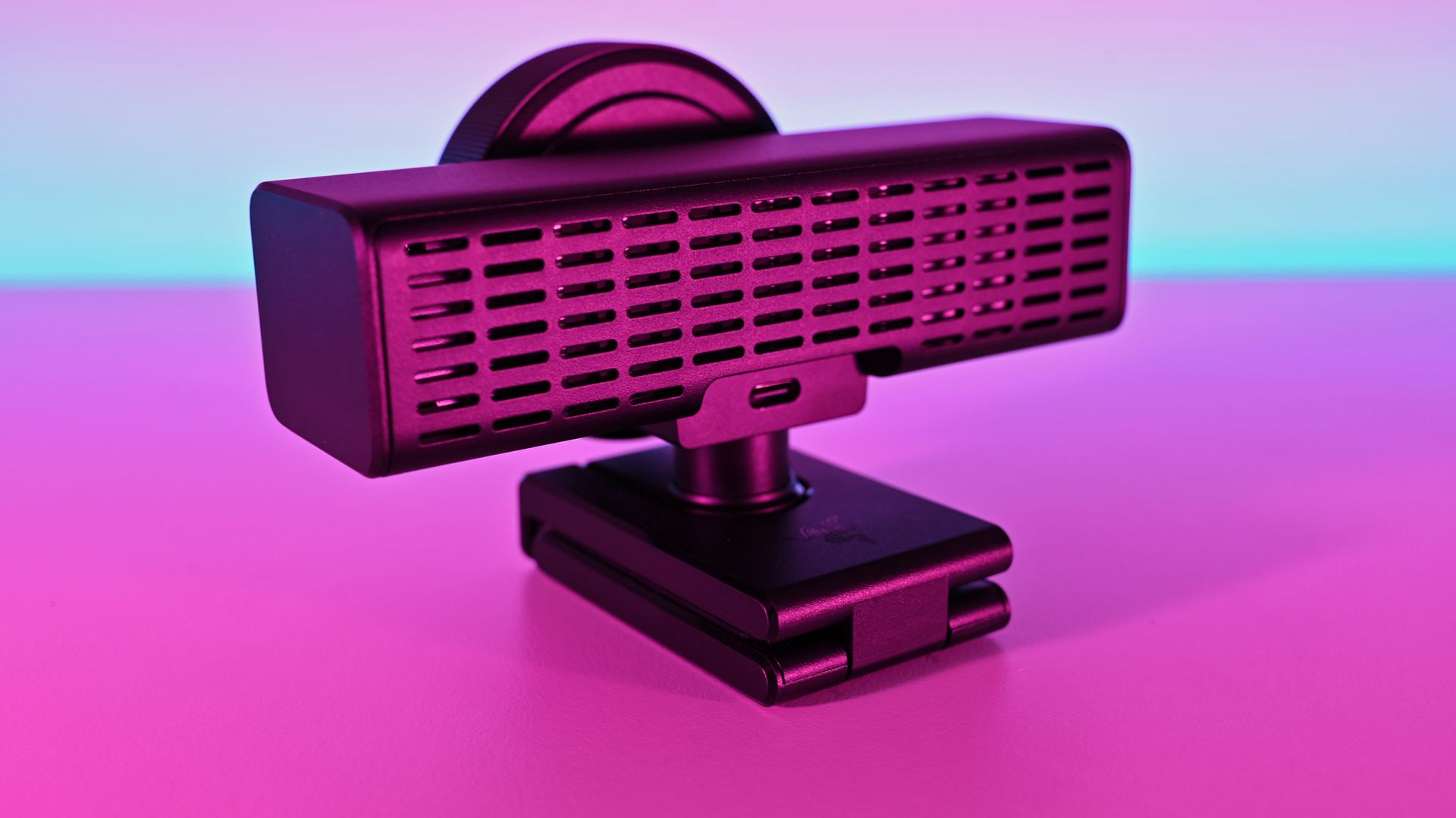
There’s no other way of saying it — the Razer Kiyo V2 is enormous. It has a clip on its base to hang it on the top of a monitor, but unless you have a giant monitor, don’t even try it.
I slapped it on the top of one of my 24-inch monitors, and it wasn’t very stable up there. There’s absolutely no chance you can use this attached to a laptop lid. Realistically, you’ll need to do as I have and mount it on a tripod.
That’s fine, though; after all, it’s targeted at content creators. The sort of person who takes their setup seriously enough to have all manner of things mounted around their setup. It does make it less portable, though. Even one of the renders I saw during a pre-brief showed a laptop user with the Kiyo V2 Pro at the side on a tripod.
But it’s not exactly portable.
It’s also not for you if you need a microphone to use for video calls, because it doesn’t have one. The Kiyo V2 Pro is purely a camera. You’ll have to supply the audio. Again, given the target audience, it’s not necessarily a dealbreaker, but it’s something to be aware of.
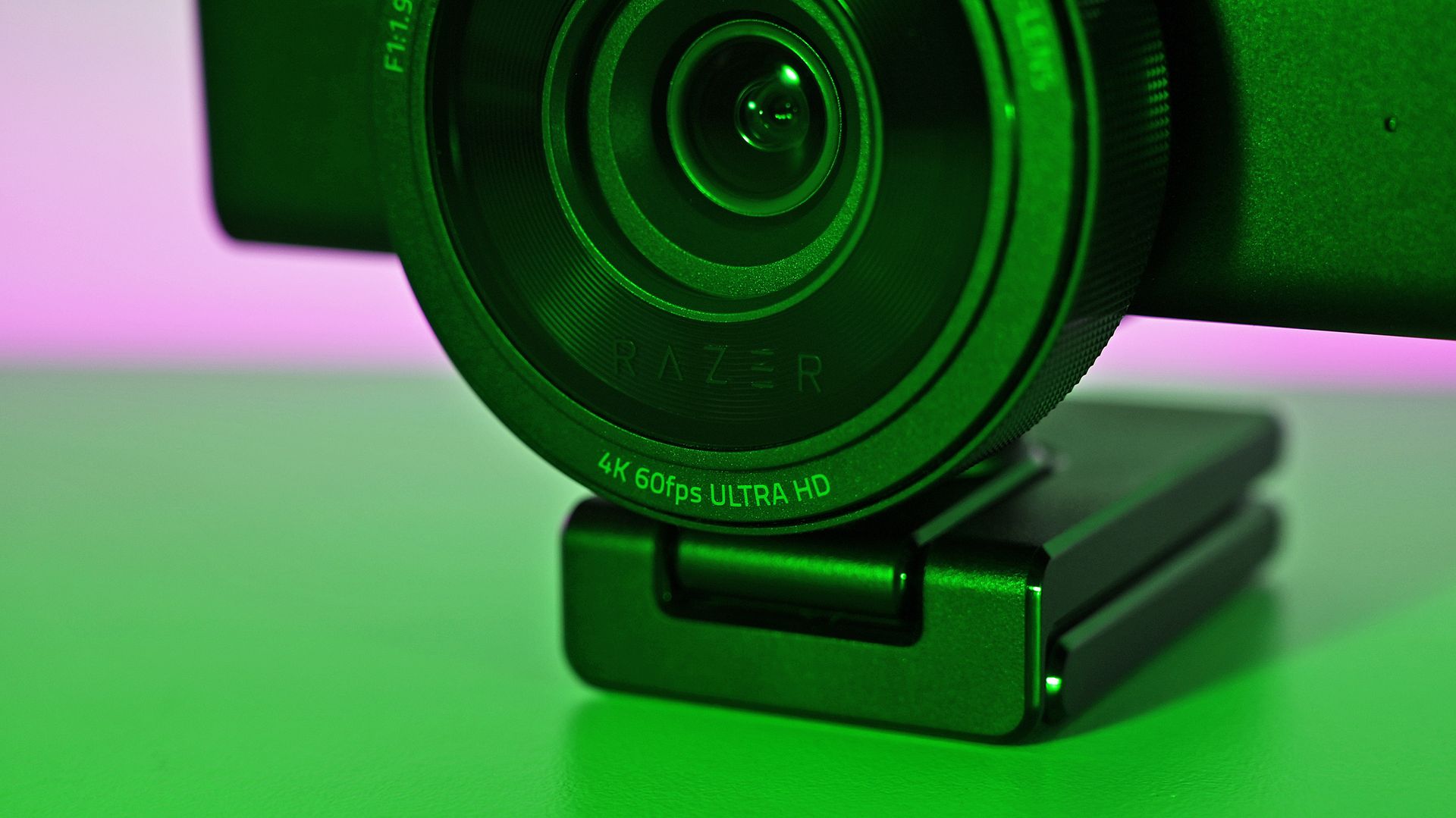
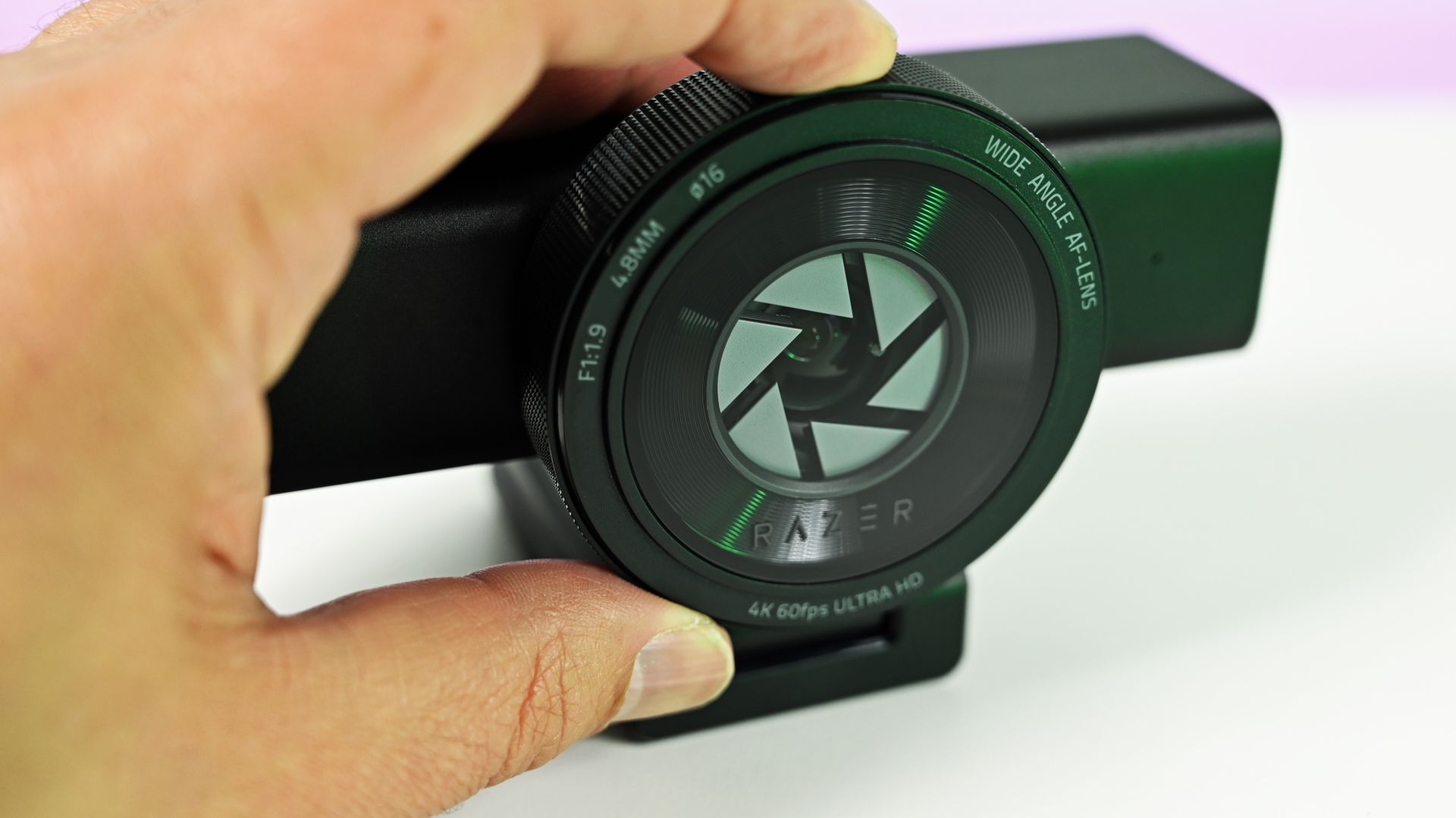
Despite the size, I do like the design, and I love the physical privacy shutter. You twist the ring on the front of the webcam, and the blades come across. Most satisfying.
The size also means some pretty serious hardware stuffed inside. Including, because it’s 2026, AI. In this case, it refers to pretty basic stuff like auto framing, but it’s all done on the camera, not in software, and as such doesn’t use any of your PC’s resources for it.
Also crammed inside and not remotely related to AI is an 8.3 MP Sony STARVIS 2 sensor with a 24 mm full-frame-equivalent focal length. In video terms, it means you can shoot 4K footage at up to 60 FPS, and you’ll be well framed even without applying any zoom or crop. It’s wide enough to include your well-designed streaming backdrops, but not so wide that you look lost.
The L-frame base also gives you some easy adjustments to its position, without having to faff about tweaking a tripod. It’s far easier to raise and tilt a little with this, and it’s sturdy enough to hold the hefty 380 g body securely.
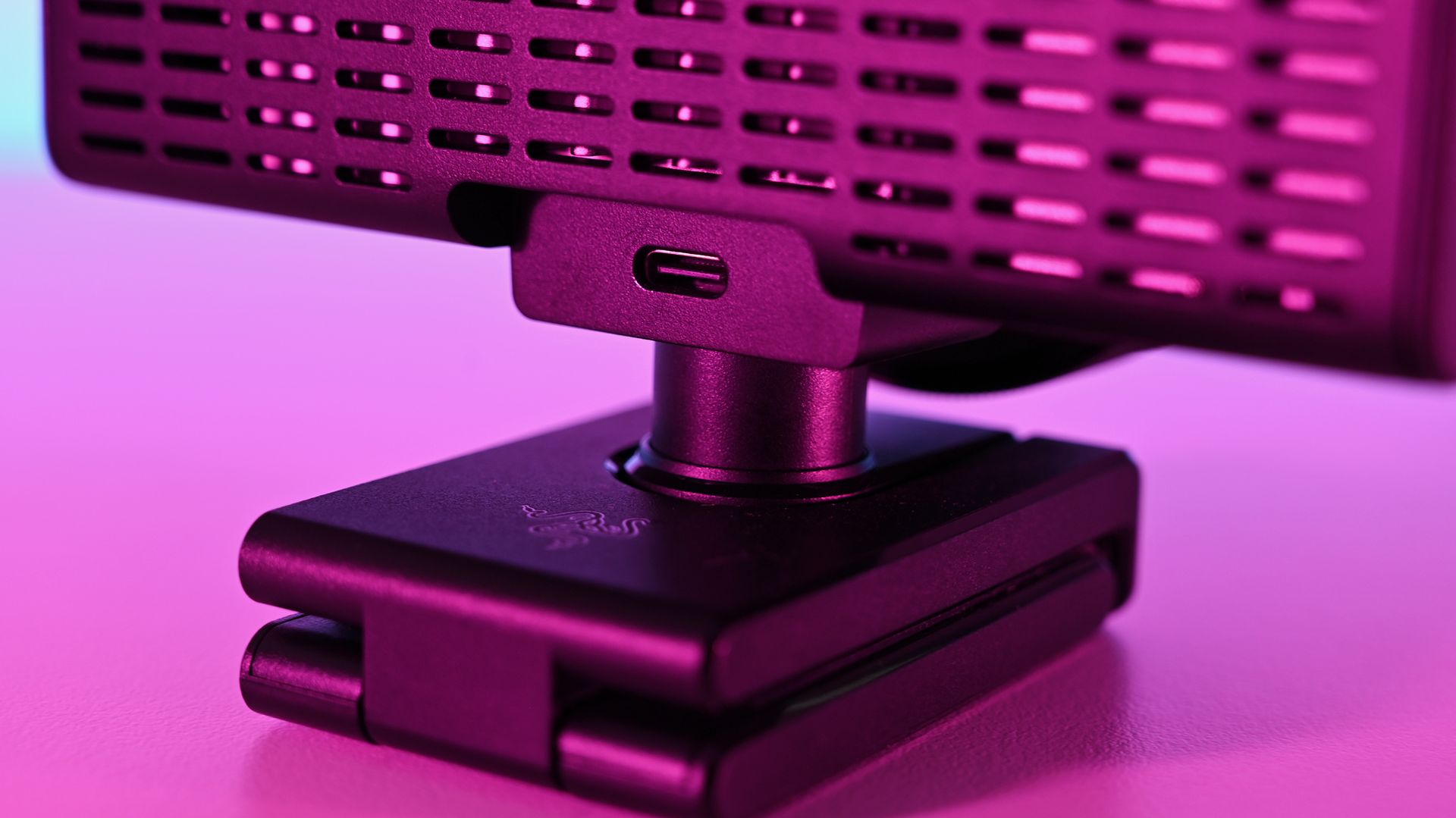
I do have one fairly pressing concern, though. Our Editor-in-Chief, Daniel Rubino, and I have this webcam, and both of us have experienced the same issue with making it work at all.
The long and short seems to be that it works fine with the Razer cable that comes in the box. But with others, it’s not as simple. The webcam will fire up for a short period of time and then disable. Synapse won’t see it, and Camo Studio gives an error message that the USB port isn’t delivering enough power.
I’ve tried it with every suitable cable I have, and it’s the same result every time. Razer has confirmed to me that it should work fine with a minimum USB 3.2 spec USB-C cable that can handle 5 Gbps data and above. But the USB-C cable lottery seems to be a thing, so look after the one it comes with for sure.
The Kiyo V2 Pro needs software to get the best from it (but not Razer’s)
Away from the hardware is where the experience falls a little flat for me. I use a lot of Razer products, and I’m used to having all the customizations I need inside the Synapse app. Set it up, close it, and forget about it.
The Kiyo V2 Pro isn’t like that, though. It is supported by Synapse, but with only a very basic feature set (despite what the spec sheet may say). To get the best from this webcam, you need to use third-party software, such as Camo Studio, which you get an included lifetime Pro license for with the Kiyo V2 Pro.
On one hand, it operates a little like the camera on your smartphone. It’s a piece of hardware with an app, but it also has lots of things that other apps can tap into. Normally, Razer makes a full package to stand out; in this instance, it relies on others to make its hardware shine.
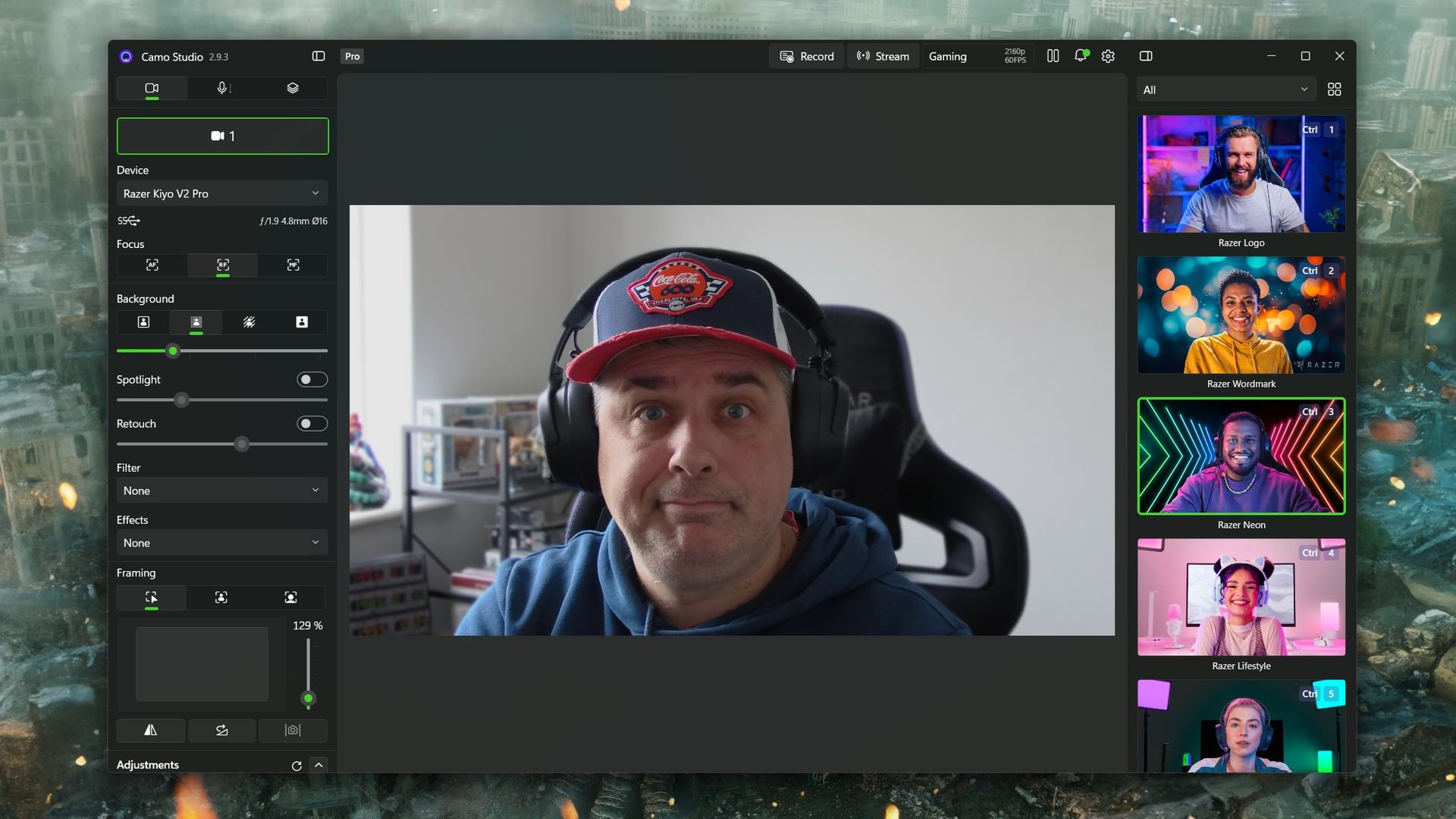
Camo Studio is a good app, and it’s one I already used to make a far lesser-quality webcam, slightly less terrible. There are a ton of options to tweak, including ISO, exposure, zoom, white balance, and saturation — basically anything you’d want to adjust on a regular camera. It is fantastic, and all you need to do is select “Camo” as your webcam in OBS Studio or any other app.
You can also build out your own profiles for different purposes. For example, I use the 1080p profile for work calls because Google Meet doesn’t seem to support 4K, so it’s wasted. When I capture game content in OBS, I record at 1440p because that’s what I play at, so it makes sense to have a matching webcam profile. Whatever you need, you can build, and your visual customizations will automatically apply to whichever you have selected.
But you really do need to spend some time dialing it in. Out of the box, it’ll just look like video from any webcam. Compared to my ancient Logitech C922, default settings make it hard to tell which is which. The Kiyo V2 Pro has better colors and is sharper, but it’s not a slam dunk. I still haven’t really perfected it, but there’s no shortage of tweaks that can be made.
Should you buy the Razer Kiyo V2 Pro?
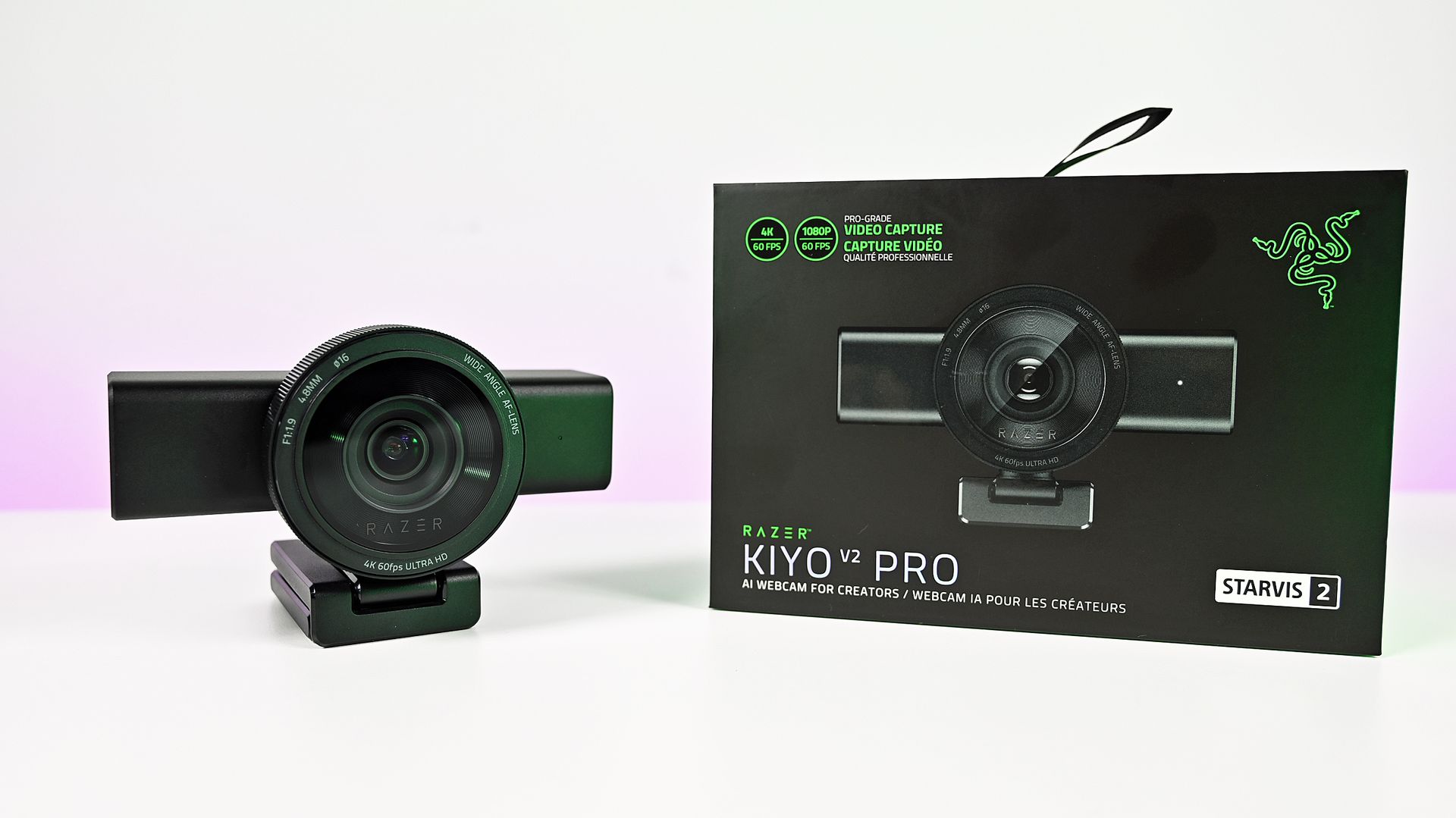
So, should you buy a Razer Kiyo V2 Pro? It’s not a simple yes or no and depends on what you really want from your camera.
A couple of years ago, it would have been an easy “yes.” But there’s a lot of competition out there (some of which we’ll be featuring on the site soon enough), and it’s priced at the highest end.
Some may see Razer’s passing off of software duties as a plus for the best manual control, but others may lament that there’s less plug-and-play aspect to it. Unless you’re prepared to get in the weeds a bit, you won’t get the result you’re looking for.
But where it does stand apart from much of the competition is that the Kiyo V2 Pro can not only do 4K, but it can do it at 60 FPS. A lot of 4K webcams top out at 30 FPS, and for content creators, that might just be the edge they need. The Kiyo V2 Pro has the same sensor Elgato uses in the Facecam 4K but with a wider aperture and handles low light better.
So the answer to whether you should buy it leaves me saying that you shouldn’t avoid the Kiyo V2 Pro. It’s very deliberately a niche product, and if you’re looking for a camera that can give you 4K60 video straight into your PC, then go for it. Likewise, if you’re looking for manual controls, jump right in. You’ll be very happy.
It won’t look as good as a mirrorless camera, say, but it’s less expensive and easier to live with. And that last part gets my vote every single time.
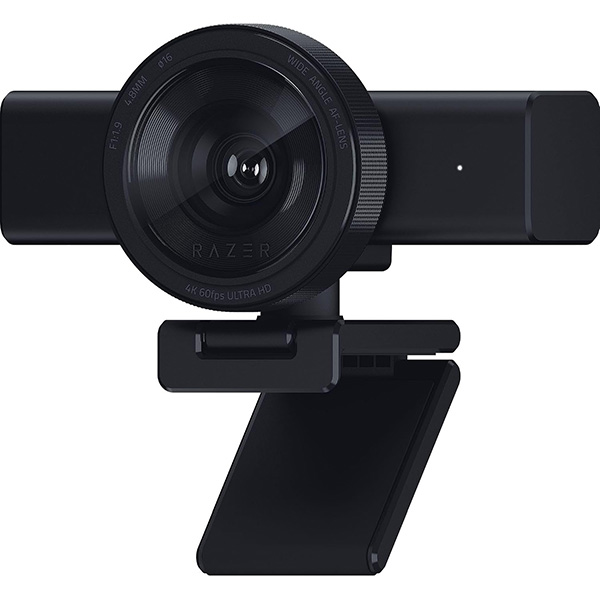
“Capture ultra-sharp, fluid video with reduced motion blur using an 8.3MP Sony STARVIS 2 sensor, ideal for streaming, content creation, gaming broadcasts, and professional video calls”.

Join us on Reddit at r/WindowsCentral to share your insights and discuss our latest news, reviews, and more.