
Developers can now jump into their workflows faster on Windows 11. Microsoft has made WSL Containers generally available, reducing the setup and management required to run Linux containers through the Windows Subsystem for Linux (WSL).
Containers are packages that include an application and the dependencies required to run it. Developers use them to ensure software behaves consistently across different systems.
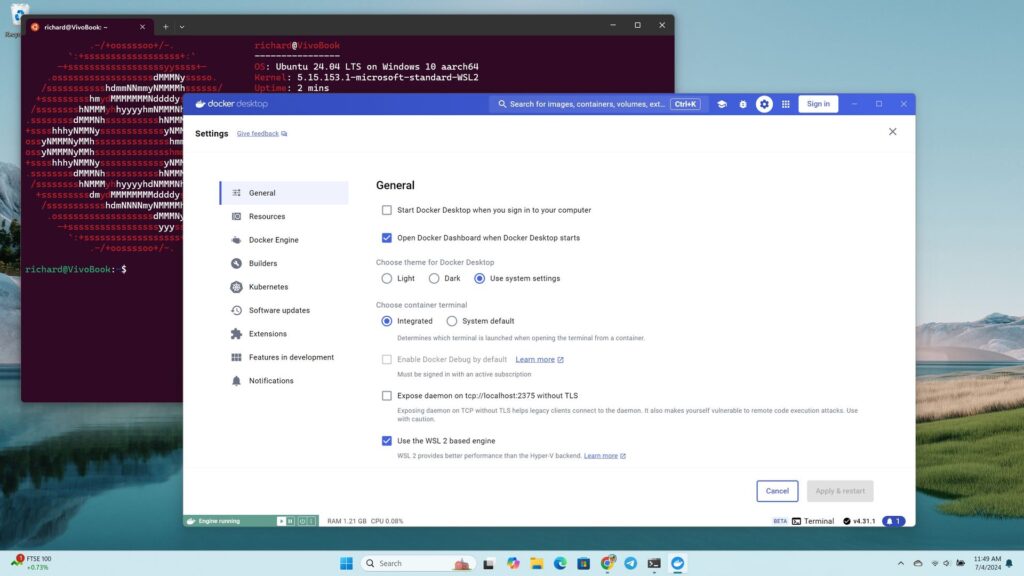
WSL Containers brings built-in Linux container support to Windows through WSL. Until now, developers typically relied on third-party tools such as Docker Desktop to run Linux containers on Windows. With WSL Containers, Microsoft is providing a built-in alternative through WSL.
Microsoft announced WSL Containers at Build 2026 and has tested the feature since then. The platform is now generally available.
Microsoft has also added new features to WSL containers since testing began, including support for container health checks, real-time event streaming, expanded networking controls, configurable storage locations, and several new container management commands.
Microsoft is also adding more enterprise controls to WSL Containers, including Intune policies and Microsoft Defender for Endpoint support.
Tools such as Docker Desktop continue to be an option for developers, but WSL Containers requires less software to install and manage.
Microsoft’s new wslc command-line tool uses commands that will feel familiar to developers who already work with containers, making the transition relatively seamless.
WSL Containers won’t replace tools such as Docker Desktop for everyone, but they do give developers one less app to install. For many Windows 11 users, running Linux containers just became a built-in feature rather than something that requires extra software.
Most Windows 11 users will never run a container, so this update won’t change their day-to-day experience. But making container support a built-in part of Windows removes a barrier for developers, which can speed up app development and testing.

Join us on Reddit at r/WindowsCentral to share your insights and discuss our latest news, reviews, and more.