
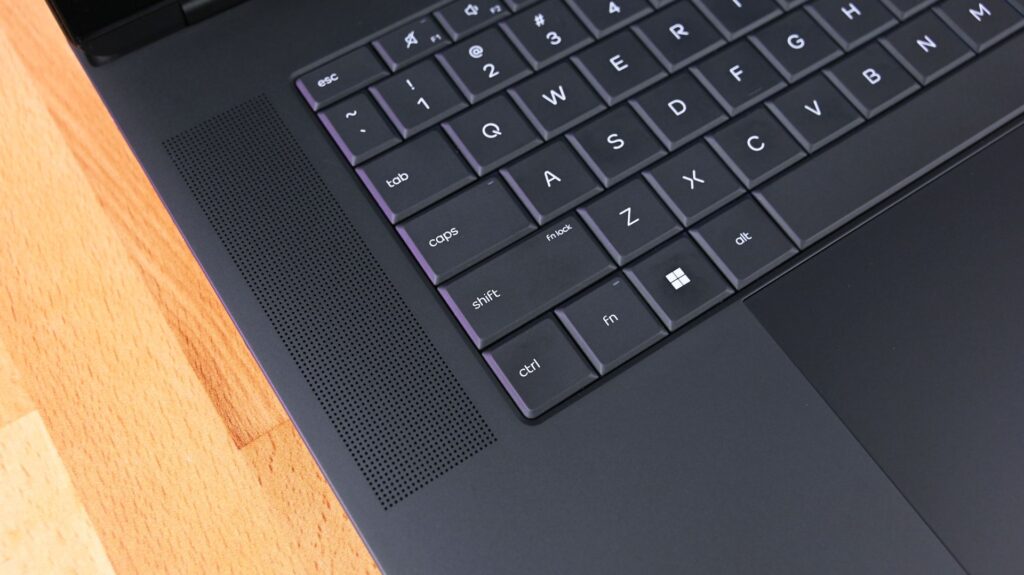
“Do you want to turn on Sticky Keys?” has likely popped up on your PC at some point. That prompt appears after you press the Shift key five times and allows you to enable the feature. Soon, Windows 11 will make it easier to stop that message from appearing.
In one of the latest Windows Insider builds, Microsoft introduced an updated version of the prompt. Windows 11 will soon let you permanently disable the Sticky Keys shortcut directly from the prompt itself.
The same change is also coming to the prompt used for Filter Keys, another accessibility feature that can be enabled through a keyboard shortcut.
Windows 11 already lets you disable that shortcut, but it requires a couple of extra steps. Within Settings, you need to navigate to Accessibility > Keyboard > Sticky Keys. That section has other controls, such as turning off Sticky Keys when two keys are pressed at the same time.
The current Windows 11 prompt includes a quick link to that section of the Settings app, but the process will soon be streamlined. The updated prompt still includes a shortcut to all Sticky Keys settings.
Best news of the weekNovember 7, 2026
Sticky Keys is a useful feature that improves accessibility. It lets you press one key at a time instead of holding multiple keys at once. For example, instead of pressing Ctrl + Alt + Delete simultaneously, you can press Ctrl, then Alt, then Delete.
The shortcut to enable Sticky Keys by pressing Shift five times has been part of Windows for decades. While useful, it can be triggered accidentally. Last week, I was in a creative program and pressed Shift five times as part of my normal workflow and accidentally summoned the prompt to enable Sticky Keys.
I took the opportunity to disable the shortcut through the Settings app, but soon that won’t be necessary since the prompt will include a check box that prevents it from appearing again.

Join us on Reddit at r/WindowsCentral to share your insights and discuss our latest news, reviews, and more.